
Start with photos you already have
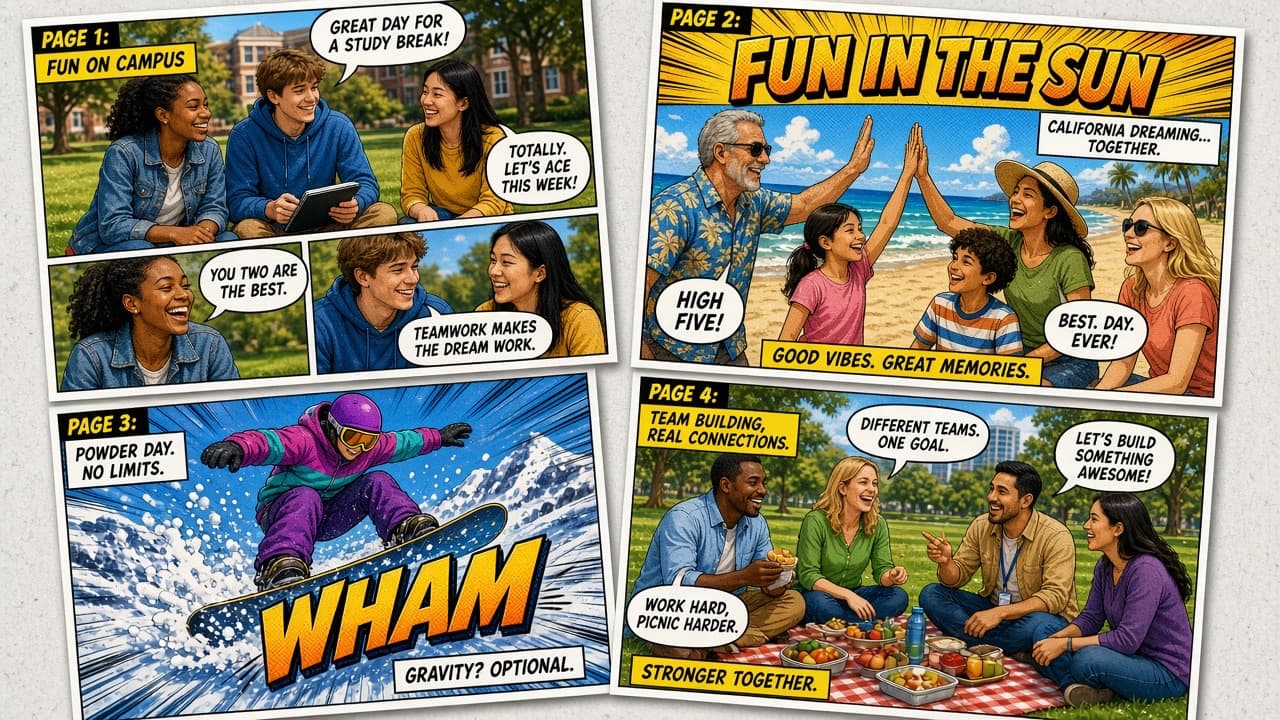
A photo comic is not a generated illustration. It is a story built from pictures you took: a field trip, a family weekend, a product walkthrough, or a classroom experiment. On a Mac, the fastest path is a dedicated photo comic studio rather than a slide deck or a generic page layout app.
Comic Zap is built for that workflow. You bring the moments, then you direct the page.
A three-move Mac workflow
1. Import the moments
Open a new Comic Zap document and import the photos you want to use. Keep the originals on your Mac. Comic Zap is a local studio, so you are not uploading a private album to an AI generator to get pages back.
Choose pictures with a clear subject. A face, a gesture, or a strong object reads better in a panel than a wide, busy background.
2. Direct the page
Start from one of 65 editable layouts instead of a blank canvas. Reorder pages, crop each panel to the action, and leave room for balloons. This is the Comic Life-style beat people look for on Mac: templates that still let you reshape every panel.
Add speech bubbles, captions, and lettering from 1,100+ comic elements. Write the dialogue you actually want—Comic Zap does not invent it.
3. Publish anywhere
When the story holds together, export:
- PDF for print, email, or classroom handouts
- EPUB for reading apps
- CBZ for comic readers
- Images for the web or a message thread
Why this is different from an AI comic tool
Prompt-based tools generate pictures. Comic Zap arranges *your* pictures. If you need a Mac photo comic maker that keeps documents local, compare Comic Zap with AI comic generators. If you specifically need dialogue, see how to add speech bubbles to photos.
Tips that make photo comics read like comics
- Crop tighter than you would for a photo album. Panels want faces and hands.
- Vary panel size. A large panel is a pause; a row of small panels is a beat.
- Keep one idea per balloon. Long speeches belong in captions.
- Export a PDF proof, read it on the Mac, then revise the page rhythm.
Classroom, family, and one-time pricing
Teachers can turn lesson photos into comics without sending student images to a cloud model. Families can turn a holiday roll into a printed issue. Comic Zap uses a 3-day trial and a one-time unlock, which is covered in the no-subscription guide.
Comic Zap 1.0 is on the Mac App Store for macOS 14 or later. iPad and iPhone arrive later in the 1.3 universal studio.
Make the next page on Mac.
Get Comic Zap