
Speech bubbles belong on a page, not on a sticker
A speech bubble only works if the photo is already a panel. If you paste a balloon onto a full-resolution camera image, the tail misses the speaker and the type fights the background. The Mac workflow that holds up is: photo → panel → balloon → caption → export.
Comic Zap is built around that order.
Place the photo first
Import the picture, then crop to the speaker. Leave breathing room above heads and to the side of faces so balloons have a home. A tight crop makes a small balloon readable; a wide crop needs a caption more than a shout.
Use an editable layout so you can resize panels after the dialogue is written. Stories change. The page should change with them.
Add balloons, captions, and lettering
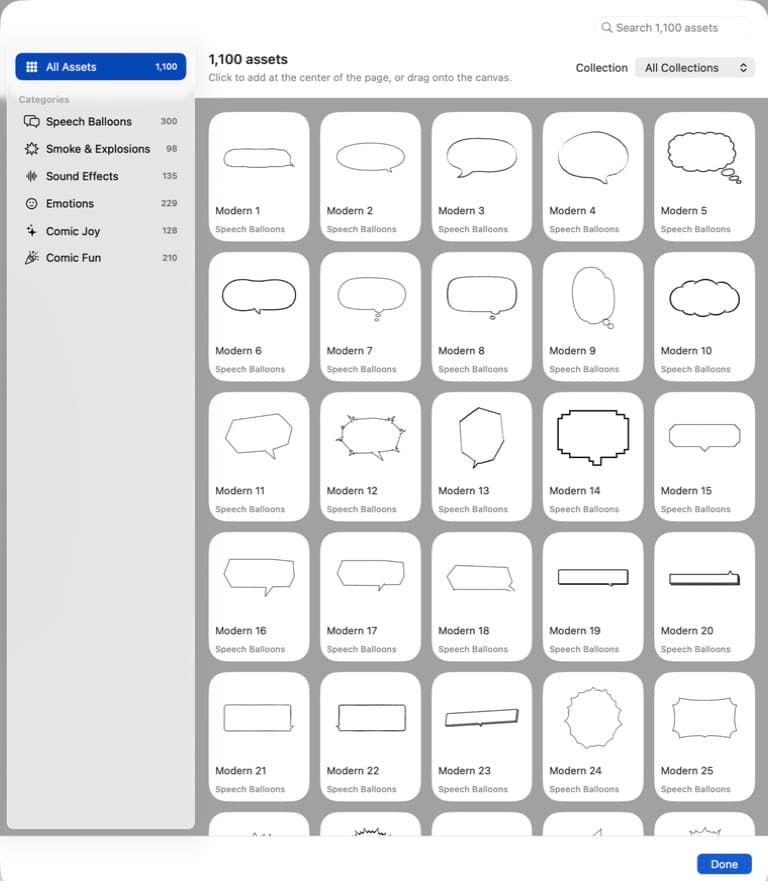
Comic Zap includes speech balloons, captions, lettering, and 1,100+ comic elements. Use:
- Speech balloons for spoken lines
- Captions for time, place, or narrator voice
- Lettering and sound effects for emphasis, not for whole paragraphs
Write short lines. One idea per balloon. If a character explains a process, break it across panels instead of filling a giant oval.
Comic Zap does not invent the dialogue. You type what the people in the photos said, or what the story needs. That is the difference between a photo comic studio and an AI comic generator.
Keep type readable
Comic Zap ships with 76 creative fonts. For body dialogue, prefer a clean balloon font over decorative display type. High contrast wins: dark lettering on a light balloon, or a caption box with a solid fill.
Read the page at export size. A balloon that looks fine on a 27-inch display can fail on a printed PDF.
Export the talking pages
When the voices are in place, export PDF, EPUB, or CBZ. PDF is the right proof for print and class. CBZ is the right file for comic readers. Images are useful when you only need a single panel.
This is the same path as turning photos into comics on Mac: local files, editable pages, no subscription.
Make the next page on Mac.
Get Comic Zap